What makes React PDF Kit
the best react-pdf alternative?


A Complete Viewer, Not Primitives
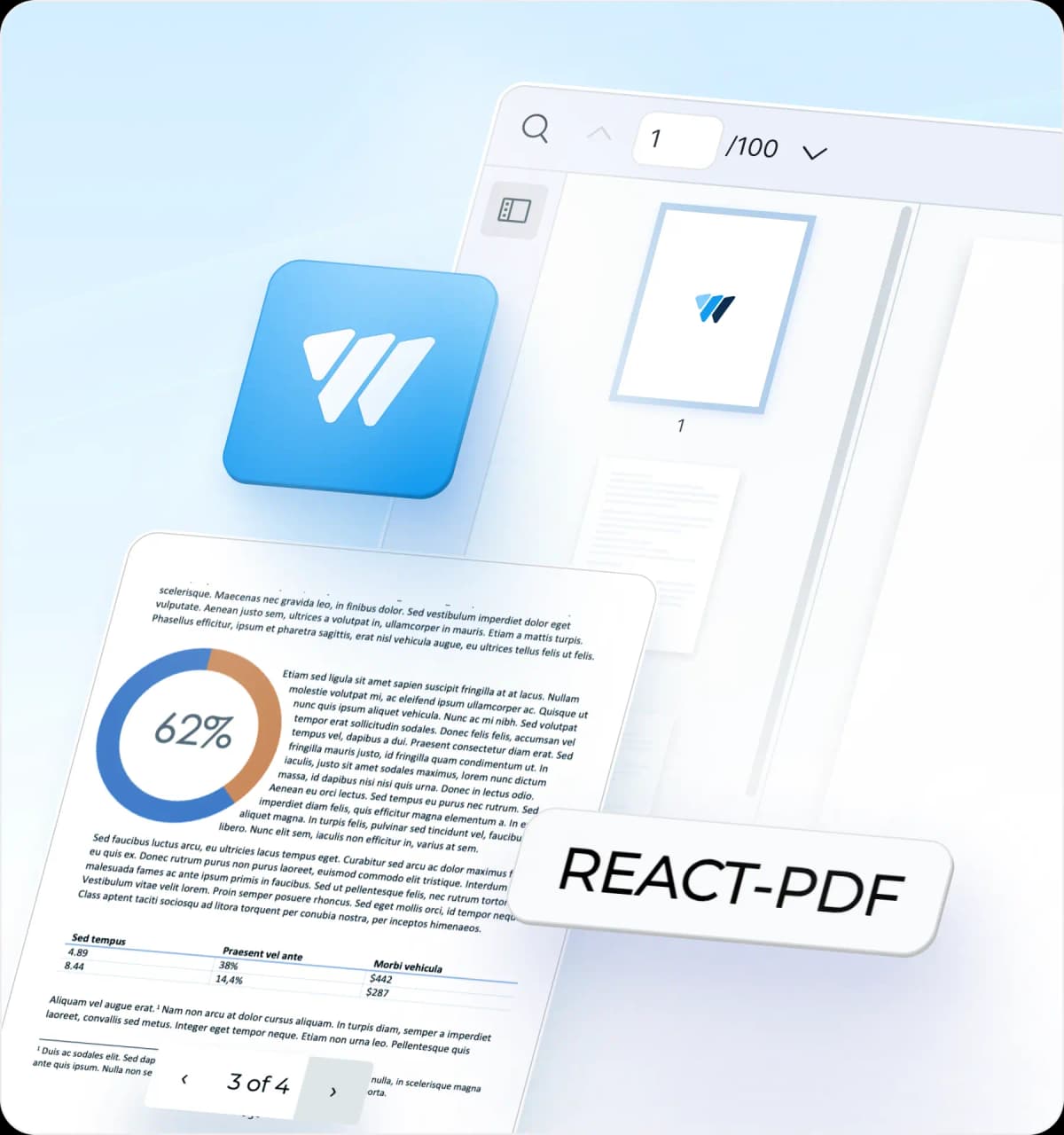
react-pdf provides <Document>, <Page>, <Outline>, and <Thumbnail>, then leaves the viewer to you. React PDF Kit ships the whole thing: toolbar, page navigation, zoom, print preview, and a thumbnail panel, wired up and ready.

Search and Toolbar Built In
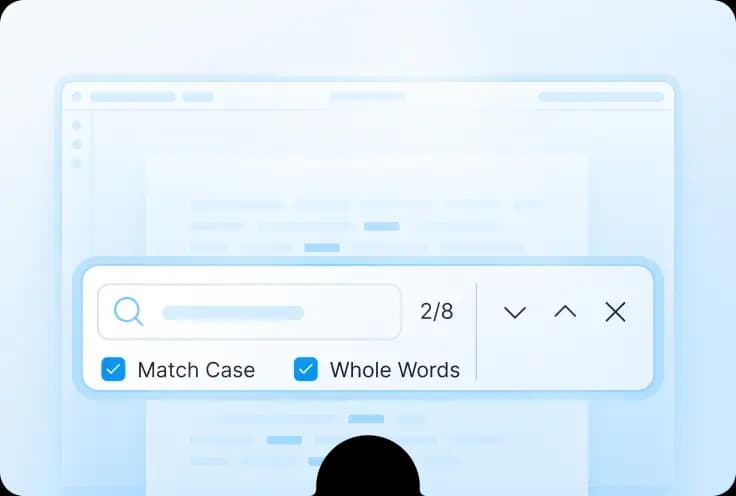
react-pdf has no search UI. Finding text means reading the text layer yourself and building the match logic, the highlight rendering, and the input. React PDF Kit includes keyword search with match options and a toolbar you can customise or replace.

bbox Coordinate Highlighting
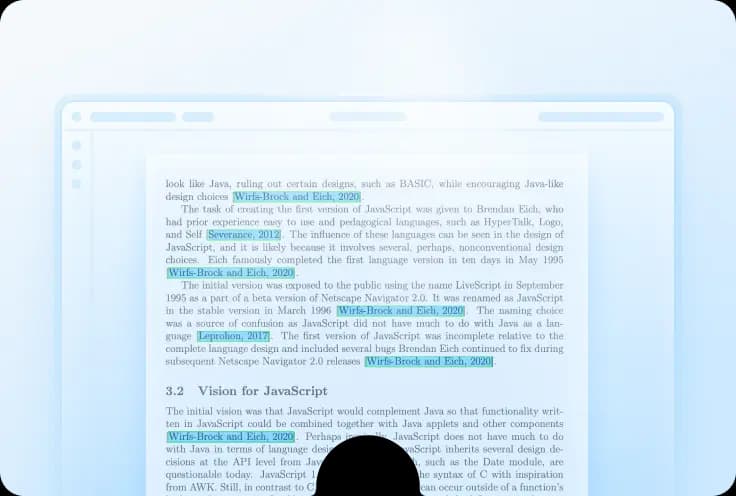
Building a chat-with-PDF or RAG interface? You need to draw a box where your model says the answer came from. React PDF Kit does that through useElementPageContext. react-pdf has no bbox primitive, so you position an absolute overlay and do the coordinate maths yourself.

Next.js Without the Worker Boilerplate
With react-pdf you configure the PDF.js worker path, sortout cMaps and standard fonts, and skip SSR yourself. React PDF Kit handles worker setup through RPConfig, and the official Next.js App Router starter runs asa client component.
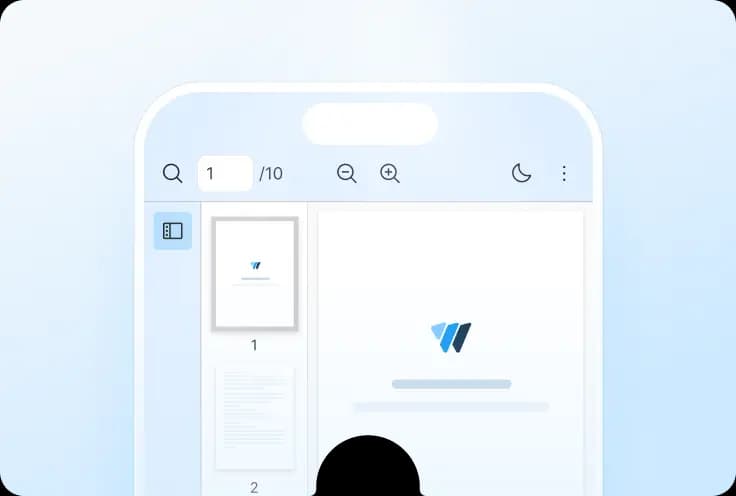

Mobile Handled Out of the Box
react-pdf supports modern mobile browsers and lets you size pages with width and height props, but it does not ship a responsive viewer shell, pinch-to-zoom controls, or touch navigation. React PDF Kit includes a responsive viewer layout and pinch-to-zoom out of the box.


Docs, Starters, and Direct Support
React PDF Kit comes with 20+ starter templates for React,Next.js, Vite and other frameworks, plus a licensed support channel when something breaks in production. react-pdf is MIT and community-supported, so help arrives when a maintainer or another user has time.
Compared to react-pdf
See how React PDF Kit compares to wojtekmaj/react-pdf across licensing, setup, and core PDF viewer features.


Pricing & Setup
Main Features
Ready to try
React PDF Kit?
Friendly technical docs for React developers and teams