React PDF Viewer for React & Next.js

React PDF Kit is a React PDF viewer that ships with a built-in toolbar, full-document search, bbox highlighting, AcroForm and XFA form layers support, and custom page elements. One package. Works with React and Next.js.

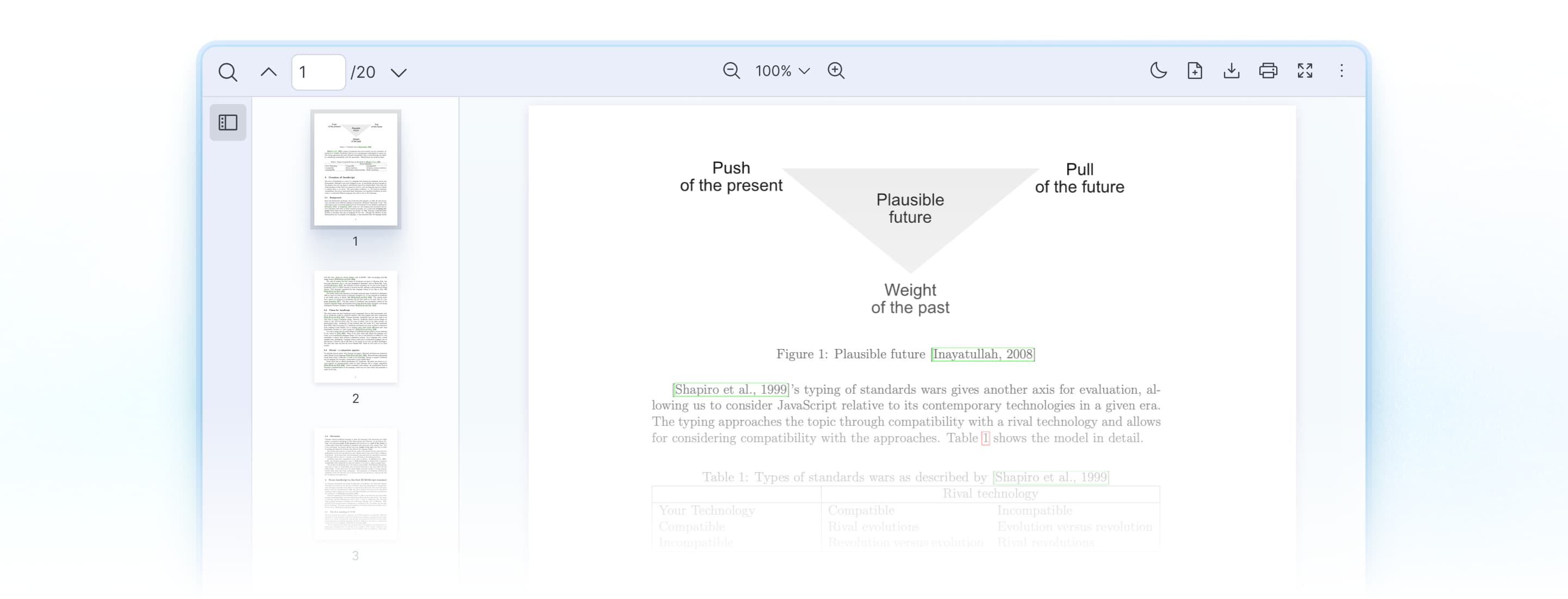
React PDF Kit viewer with page controls, thumbnail navigation, and highlighted text in a PDF document.
  • Powered by PDF.JS
  • Next.js ready
  • TypeScript included
  • Trusted by 190+ clients
See it in your browser

This is the default UI. Toolbar, search, mobile responsive and more.

The live viewer will load as this section approaches your viewport.

This is a live React PDF viewer. Everything you see, the toolbar, search panel, and form inputs, is running in your browser.

Rendering pages is the easy part

Most React PDF libraries hand you rendering primitives and stop there. react-pdf (wojtekmaj) is the clearest example: it ships <Document>, <Page>, <Outline>, and <Thumbnail>, and <Page> renders the text and annotation layers by default. That's a capable renderer, and for displaying a PDF it's enough.

What react-pdf (wojtekmaj) leaves to you is the product layer: a toolbar, a search UI on top of getTextContent, zoom controls, bbox highlighting, a form-filling UI, plus manual PDF.js worker configuration. That's the wall most React PDF projects hit. React PDF Kit ships that product layer as the default, so toolbar, search, highlighting, and form support work on day one, and RPConfig sets up the PDF.js worker you would otherwise wire up by hand.

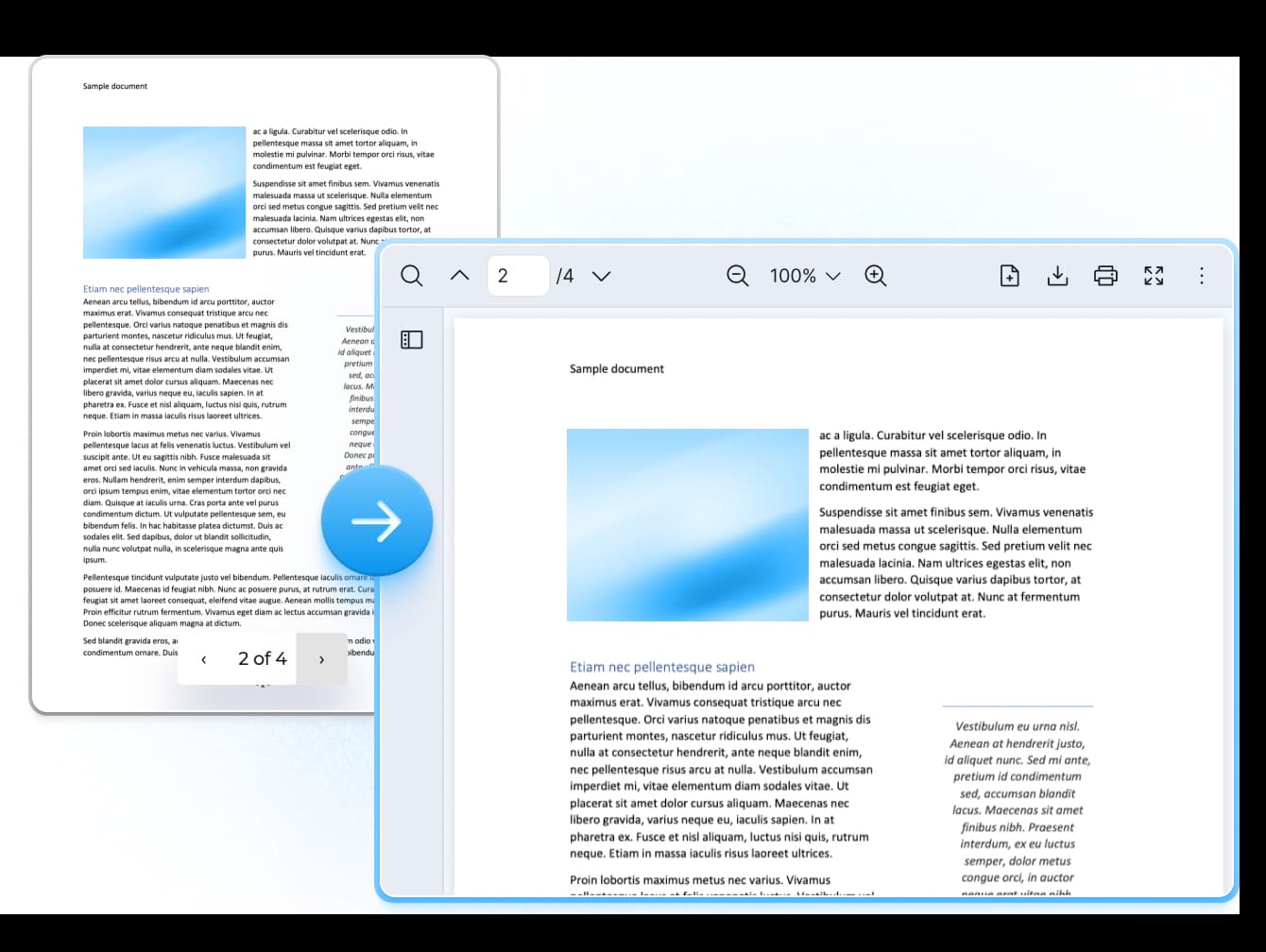
A basic PDF page renderer transitioning into the React PDF Kit viewer with toolbar, thumbnails, and page controls.
Features

Everything in one React PDF viewer

React PDF Kit includes the viewing experience most products need, without assembling components from separate packages or wiring up search and toolbar logic from scratch.

Everything a viewer needs, before you write code

When you evaluate a React PDF viewer, the first question is how much works on install. React PDF Kit ships the core viewing tools as part of its default layout, so search, print, zoom, and page navigation are there from the first render instead of being a build list.

  • Render and scroll PDFs
  • Pinch to zoom
  • Localization
  • Accessibility support
  • Default toolbar with search, print, zoom, and navigation
  • PDF layer rendering (text, canvas, annotation layer, AcroForm, and more)
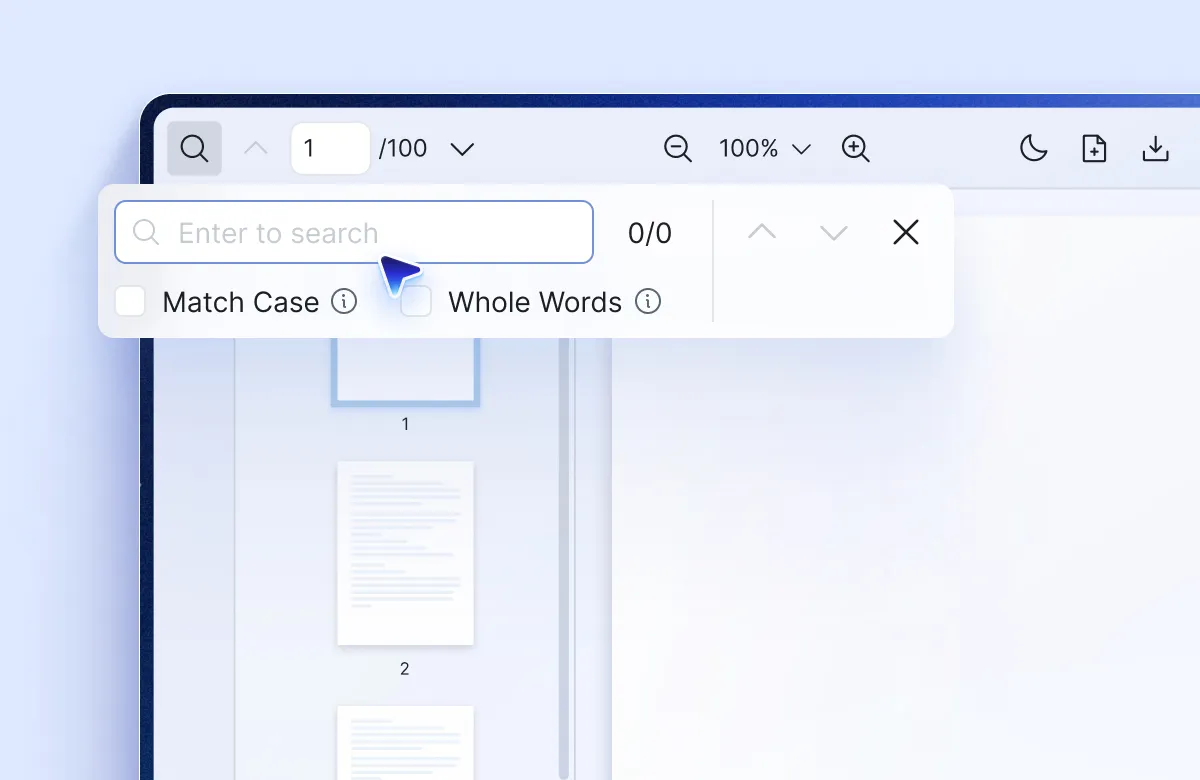
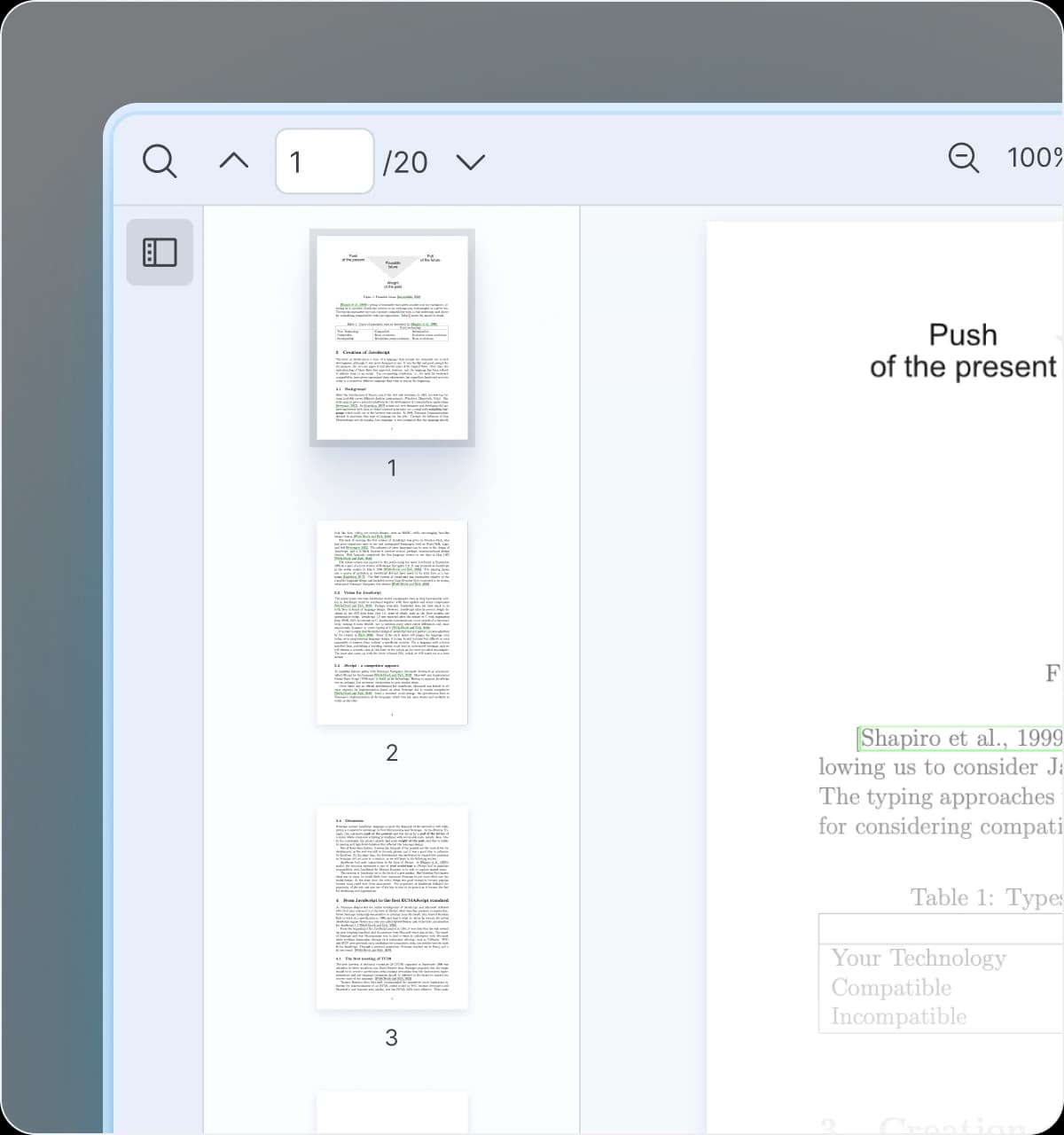
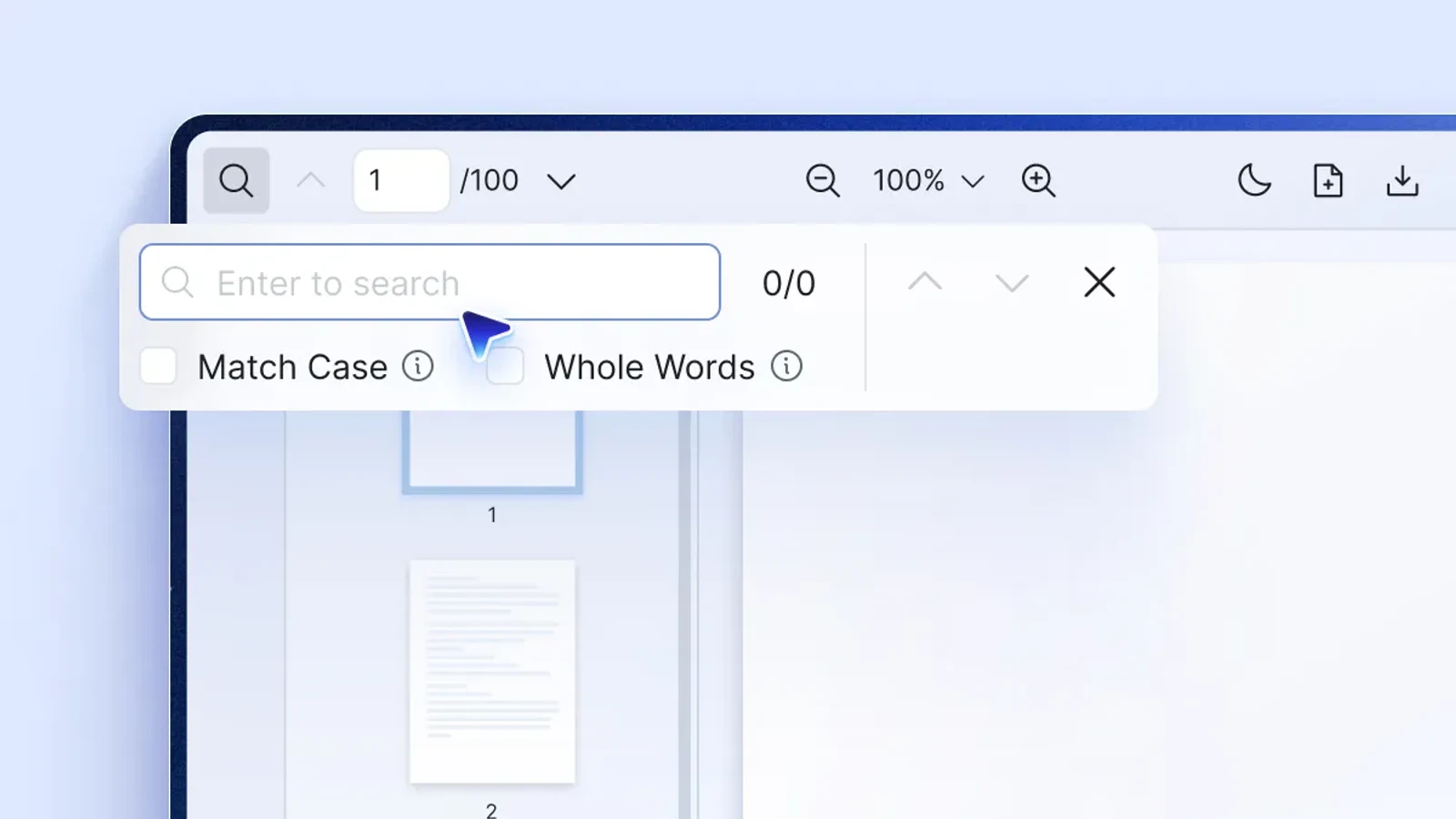
React PDF Kit default viewer toolbar with search options, page thumbnails, zoom, print, and navigation controls

Bbox highlighting for AI and RAG apps

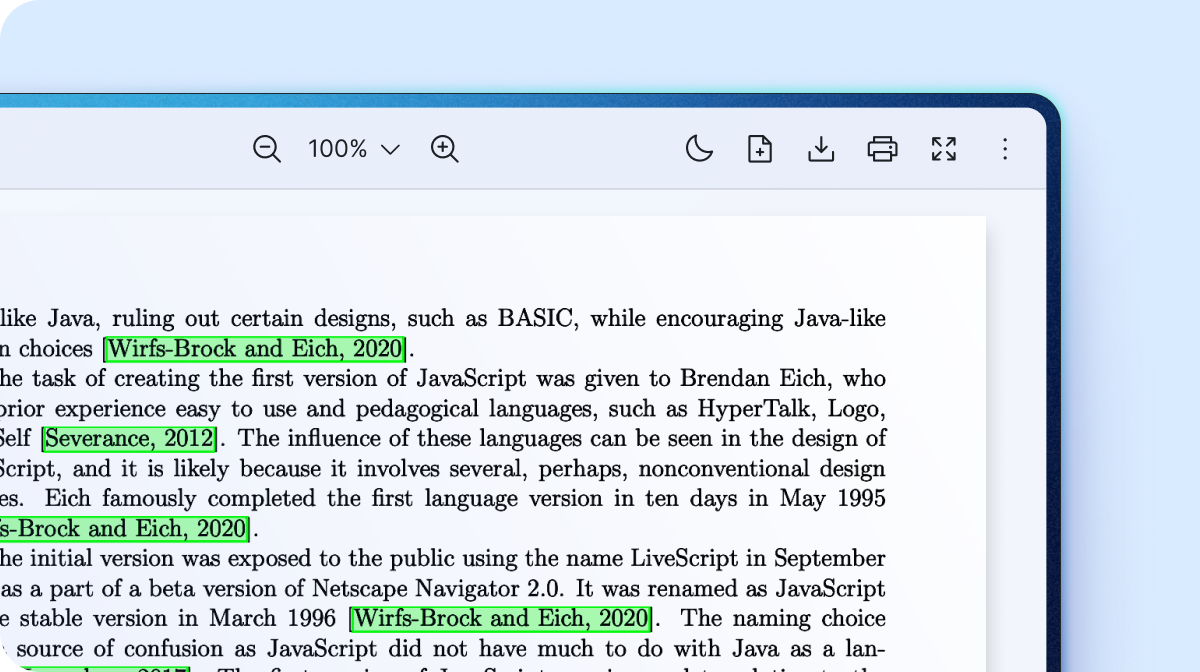
React PDF Kit renders highlights at coordinate positions on a PDF page using the useElementPageContext hook. Pass bbox coordinates from an AI extraction or document-parsing pipeline and the highlight appears on the page. This is the differentiator for chat-with-PDF and document intelligence products. No other React PDF viewer ships this natively.

  • Bbox coordinate highlighting via useElementPageContext
  • Render any HTML or JSX as a custom page element
  • Work for RAG citations, extracted entities, and search regions
PDF viewer displaying green bbox citation highlights across a document page

Match your brand, control the viewer in code

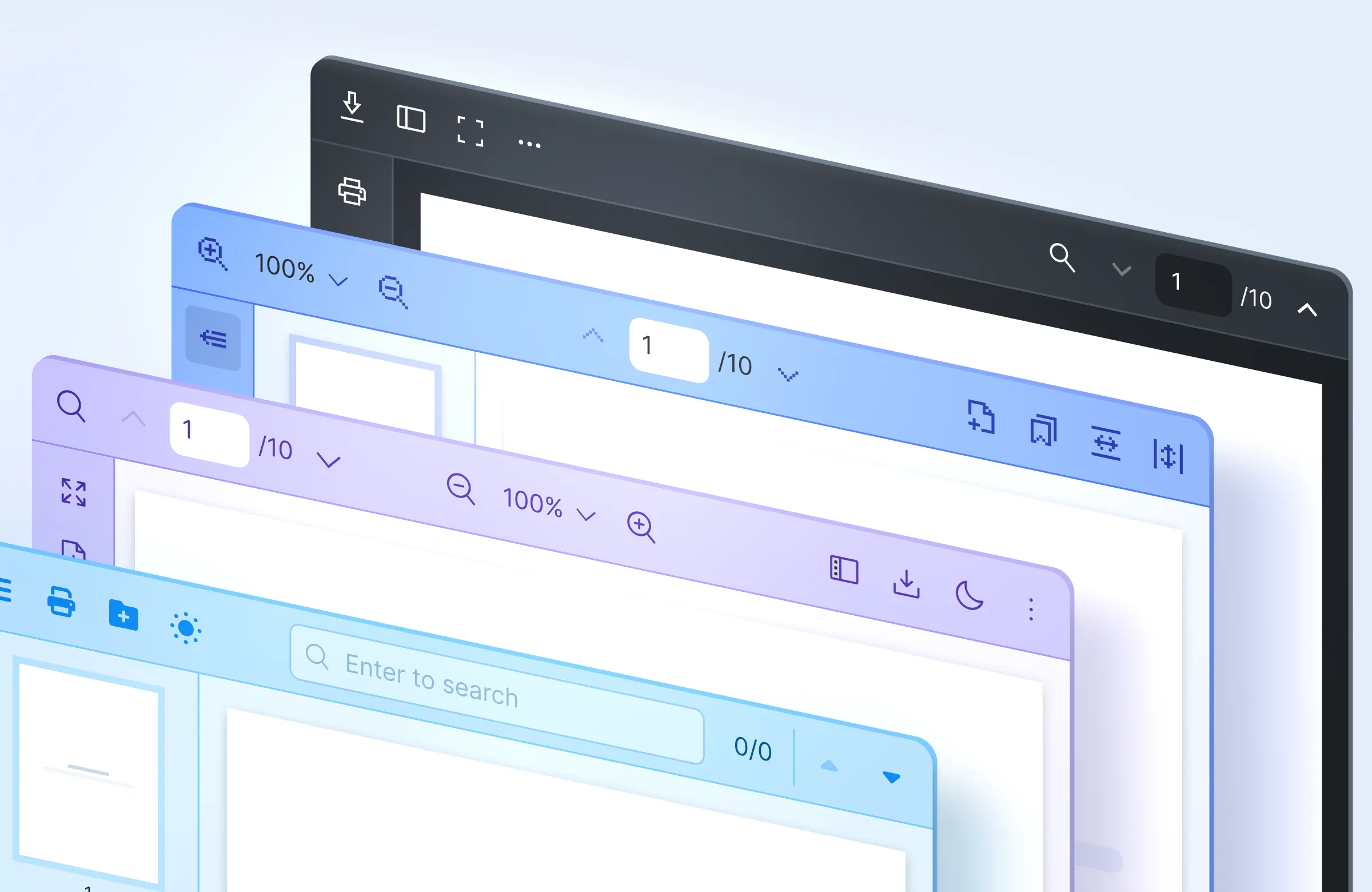
React PDF Kit themes to match your app and exposes the viewer through React hooks and a Context API, so you can drive search, highlighting, and viewer state from your own components. That programmatic control is the part rendering-only libraries leave you to build.

  • Set a default light or dark mode
  • Adjust CSS variables to match your branding
  • Modify React PDF Kit components or build a custom toolbar
  • Change or create custom localization
  • Control search, highlighting, and viewer events through the Context API
React PDF Kit viewers styled with multiple light, dark, and branded toolbar themes

No manual PDF.js worker config

PDF viewers often break at integration: the PDF.js worker won't resolve under your bundler, or the viewer clashes with your UI kit. React PDF Kit is tested across the major frameworks, bundlers, and component libraries, and RPConfig sets up the PDF.js worker so you don't wire it up by hand.

  • Works with Next.js, Gatsby, Remix, Docusaurus, and more
  • No conflicts with MUI, Chakra UI, Tailwind CSS, shadcn/ui, Ant Design, or Radix UI
  • First-class Next.js support, including App Router and Pages Router
  • Simple bundler setup with Vite, Webpack, and Turbopack
Framework and UI-library logos supported by React PDF Kit, including Next.js, React, Gatsby, Remix, and Tailwind CSS

Stays fast at hundreds of pages

Document length is where a basic viewer slows down. React PDF Kit renders only the pages in view through virtual scrolling and lazy loading, so a 500-page file scrolls about as smoothly as a 5-page one.

  • Virtual scroll
  • Lazy loading per page
  • Consistent performance regardless of document length
React PDF Kit large-document viewer with a performance gauge and a high page count in the toolbar

Works on phones and tablets out of the box

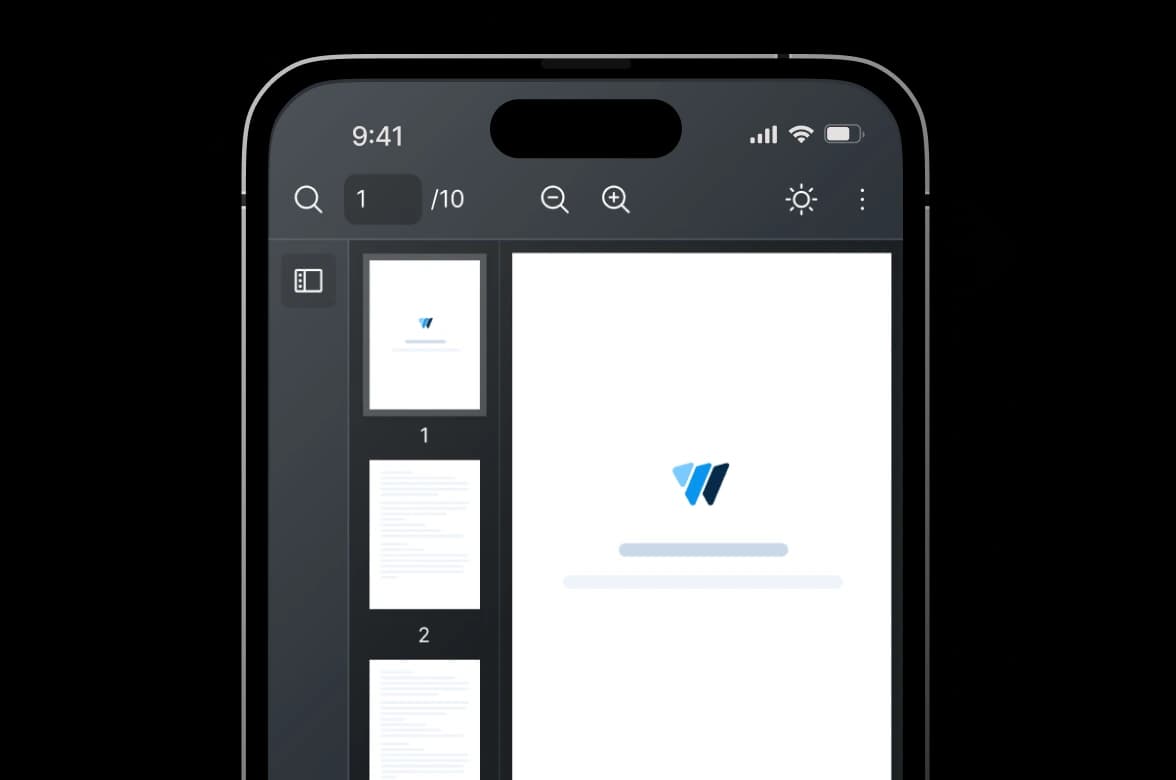
React PDF Kit ships a responsive layout with pinch-to-zoom and swipe navigation, so the viewer works on phones and tablets without a separate mobile implementation. The breakpoint is adjustable if your app switches layouts at a different width.

  • Default mobile-responsive layout
  • Pinch-to-zoom and swipe navigation on touch screens
  • Adjustable responsive breakpoint
React PDF Kit responsive PDF viewer displayed inside a mobile phone

Actively maintained. Built to last.

PDF viewers accumulate edge cases over time. React PDF Kit is maintained alongside current React and Next.js releases so you're not stuck patching compatibility issues yourself.
  • Developer-Friendly Docs

    Getting Started takes a few minutes. Every hook and component is documented with examples. Framework-specific guides cover Next.js, Turbopack, and more.
  • Browser Compatible

    Tested across Chrome, Firefox, Safari, and Edge. Works on current and recent versions. Option to extend to legacy versions with polyfills.
  • Continuous Updates

    React PDF Kit provides regular updates with new features and enhancements to keep the component current.
  • Dedicated Support

    Your feedback is important to us. Open an issue on GitHub or reach out through the support channel.
Installation

Get a working React PDF Viewer in a few minutes

  1. Install the package

    npm install @react-pdf-kit/viewer

    bun, pnpm, and yarn are also supported.

  2. Render the viewer

    src/App.tsx
    import {
      RPConfig,
      RPLayout,
      RPPages,
      RPProvider,
    } from "@react-pdf-kit/viewer";
    
    export default function App() {
      return (
        <RPConfig licenseKey="YOUR_DOMAIN_TOKEN">
          <RPProvider src="/document.pdf">
            <RPLayout toolbar style={{ height: 660 }}>
              <RPPages />
            </RPLayout>
          </RPProvider>
        </RPConfig>
      );
    }

Working PDF Viewer in Minutes

That's a working viewer with toolbar, search, and zoom in a few lines of JSX. RPConfig sets up the PDF.js worker and your license.

Full Set up Guide

Using Next.js?

The viewer renders client-side, so in the App Router, load it as a client component: mark the file 'use client' and import the viewer with a dynamic import using ssr: false.

Next.js setup guide

Works with your React framework

React PDF Kit has tested and prepared starter projects for every major React framework. Pick your framework and you'll have a working viewer in minutes.
  • React

  • Next.js

  • Remix

  • Gatsby

  • Docusaurus

  • Electron

  • React Router

  • TanStack Router

Each framework has JS and TypeScript starters, and where relevant, multiple bundler options (Webpack, Vite, Turbopack). 22 starters in total.

Browse all starter projects
FAQ

React PDF viewer FAQ

React PDF Kit is a complete React PDF viewer, while react-pdf (by wojtekmaj) is a renderer. react-pdf ships rendering primitives, <Document>, <Page>, <Outline>, and <Thumbnail>, with the text and annotation layers rendered by default, but no product UI. The toolbar, search interface, zoom controls, bbox highlighting, form-filling UI, and PDF.js worker setup are yours to build. React PDF Kit ships all of that as one viewer you drop in.

Add a full React PDF viewer to your app

React PDF Kit covers the full viewing workflow in one package: toolbar, search, form filling, and bbox highlighting for AI and RAG applications. Install it and render a working viewer in a few lines of code.

React PDF Kit viewer with toolbar, thumbnail navigation, and highlighted citations in a PDF document.