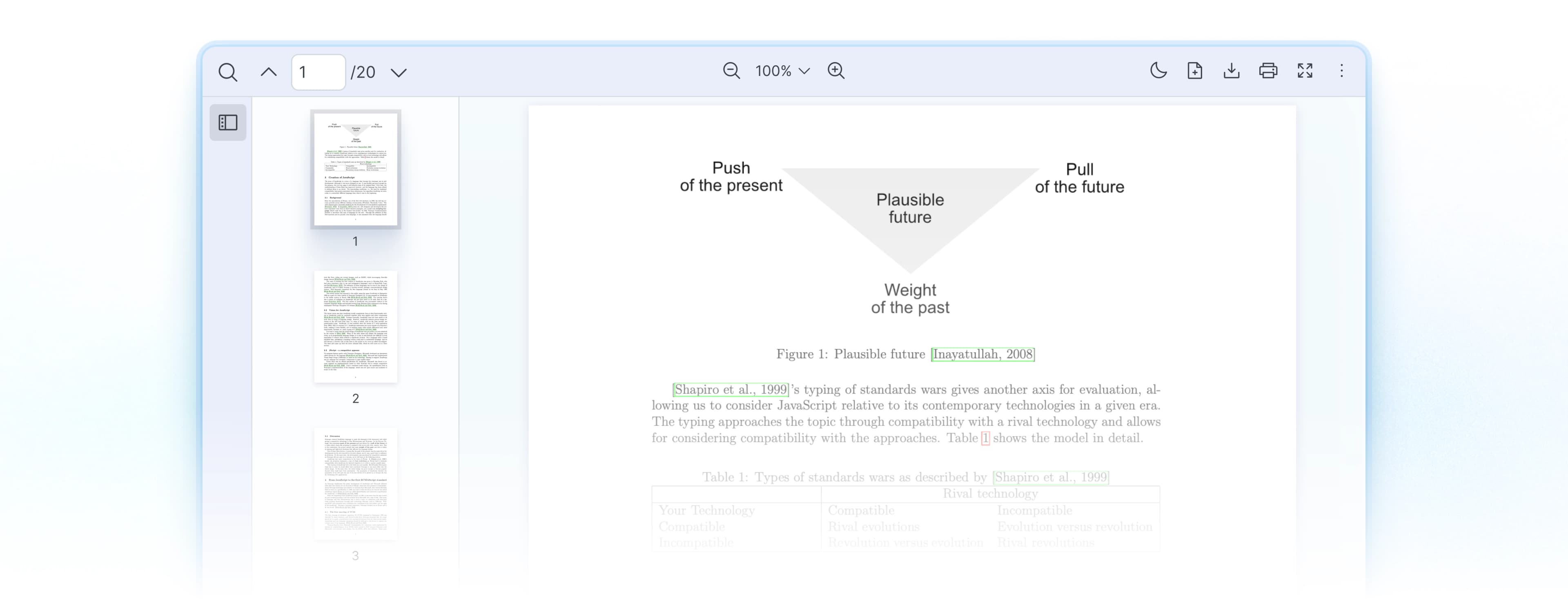
React PDF Viewer
Built for AI
Applications
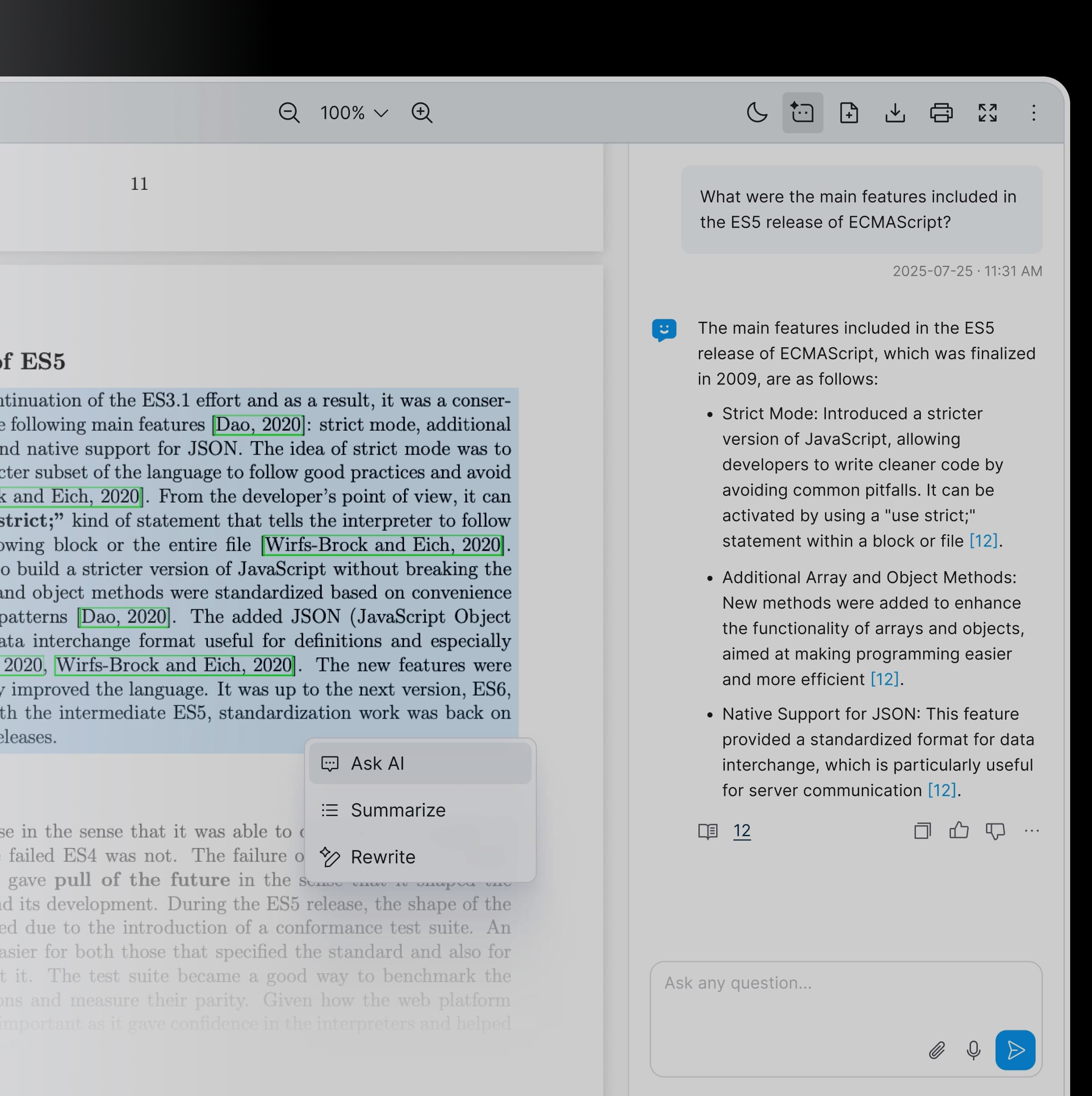
Bbox citation navigation. AI insight overlays. Text selection actions. Production-ready performance with 47% of our clients use React PDF Kit for AI tools.
Built-In Features
Features Designed for AI Workflows

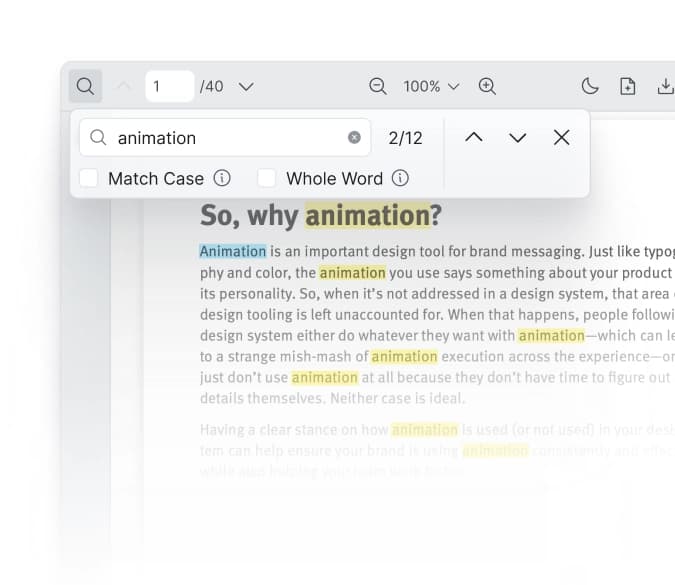
Built-in Search
When your AI cites a source, users want to verify it. The built-in search lets users locate keywords or phrases, cross-reference AI-generated answers against the original PDFs. Search works across the document with match highlighting. No manual scrolling to validate a reference.

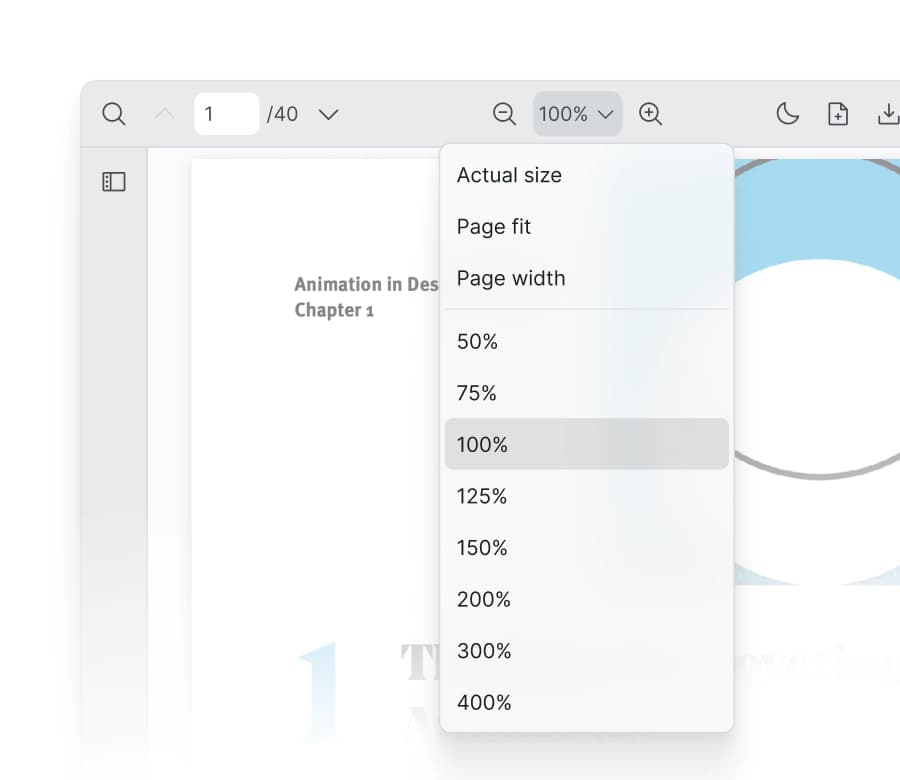
A Built-In Zoom Mode and Level
LLMs sometimes misread fine details. Zoom controls let users inspect exactly (e.g. fit page, fit width and custom zoom level). Great for finance, and healthcare where precision determines trust.
- Small text in dense tables
- Compressed figures and charts
- Fine print in legal documents
Great for finance, and healthcare where precision determines trust.

Toolbar Customization
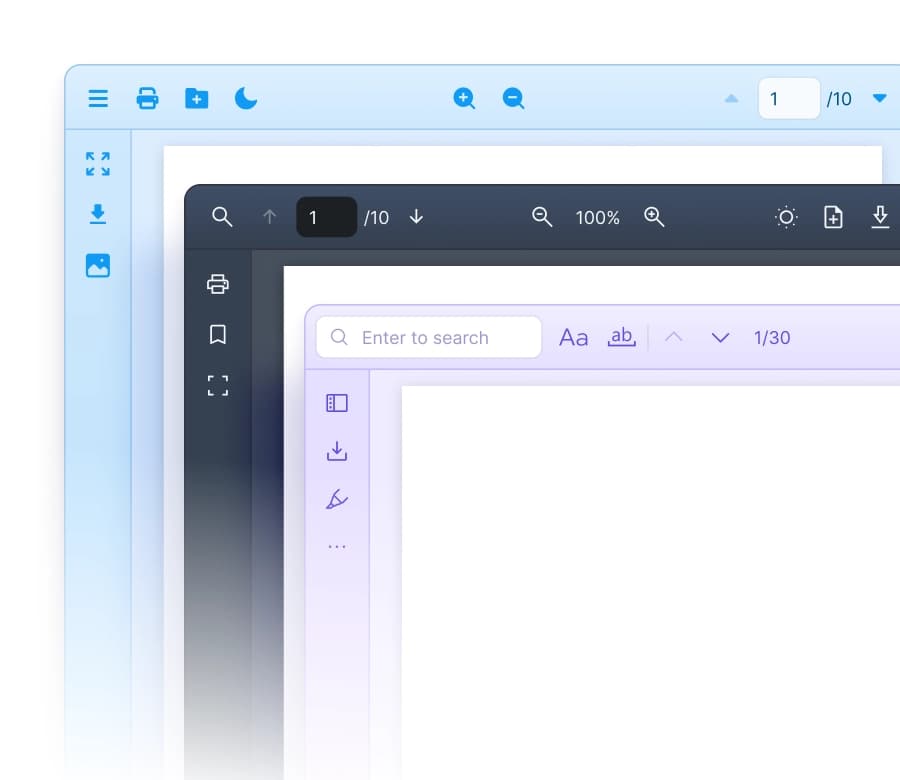
Import only the components you need. Build a focused PDF Viewer interface for AI workflows:
- Include only the toolbar tools your workflow requires
- Add custom action buttons (summarize, translate, image capture)
- Build review interfaces with approve/reject controls

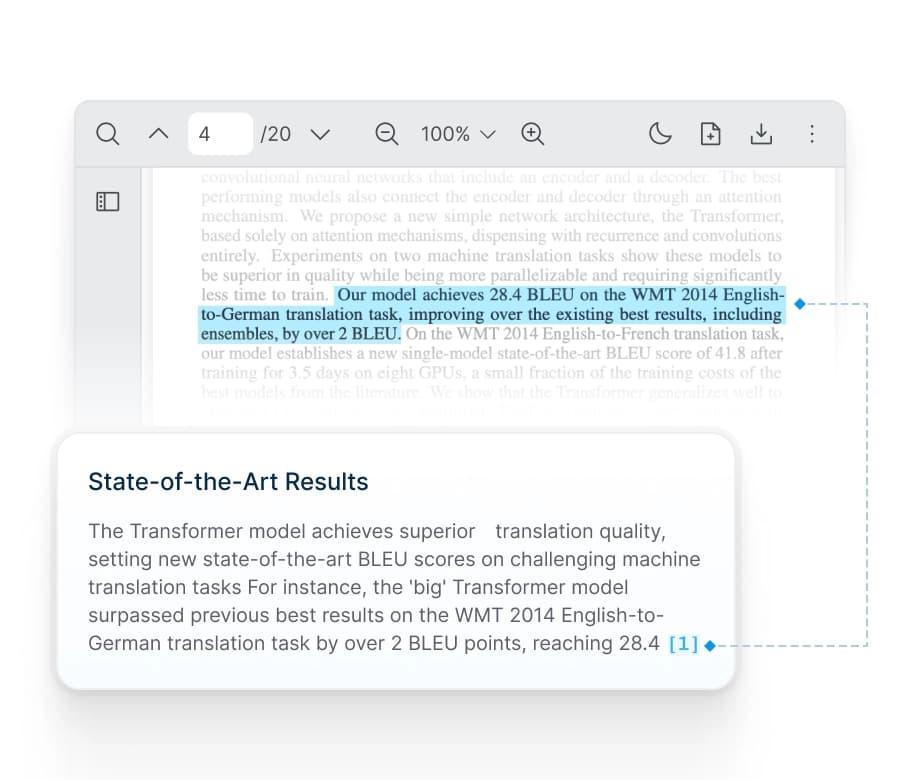
Jump to Page Location via Bbox Coordinates
Essential for RAG applications. When your AI returns a citation with page and bounding box coordinates, users can navigate and see it highlighted directly. React PDF Kit has it built-in via useElementPageContext.
- Citation verification in RAG chatbots
- Search result navigation with exact positioning
- Back-end services which return document coordinates

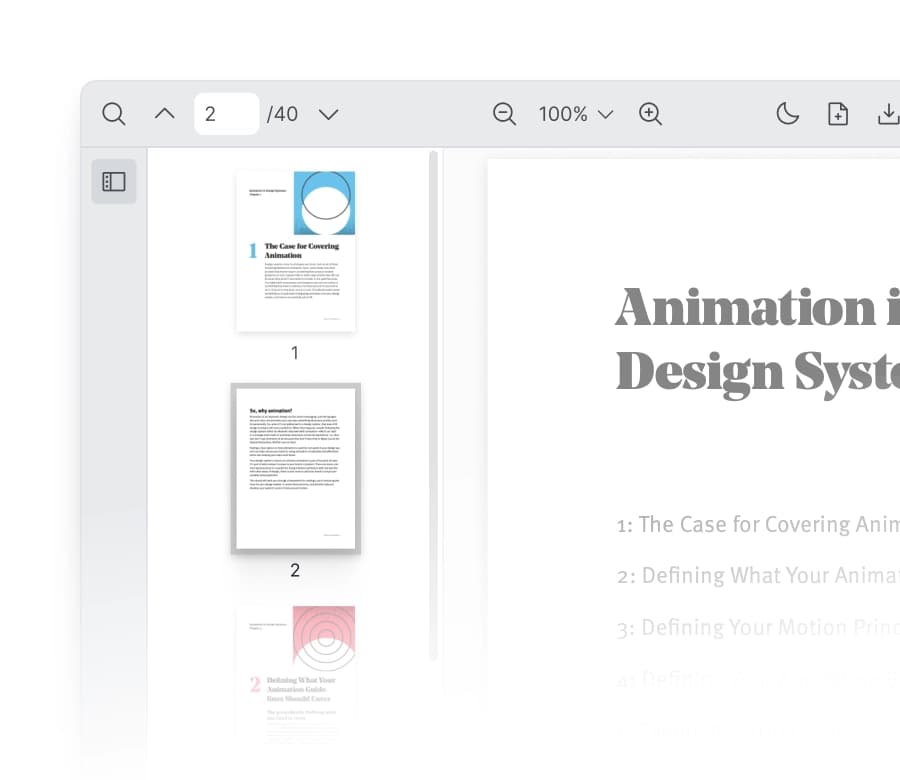
Page Thumbnails for Easy Navigation
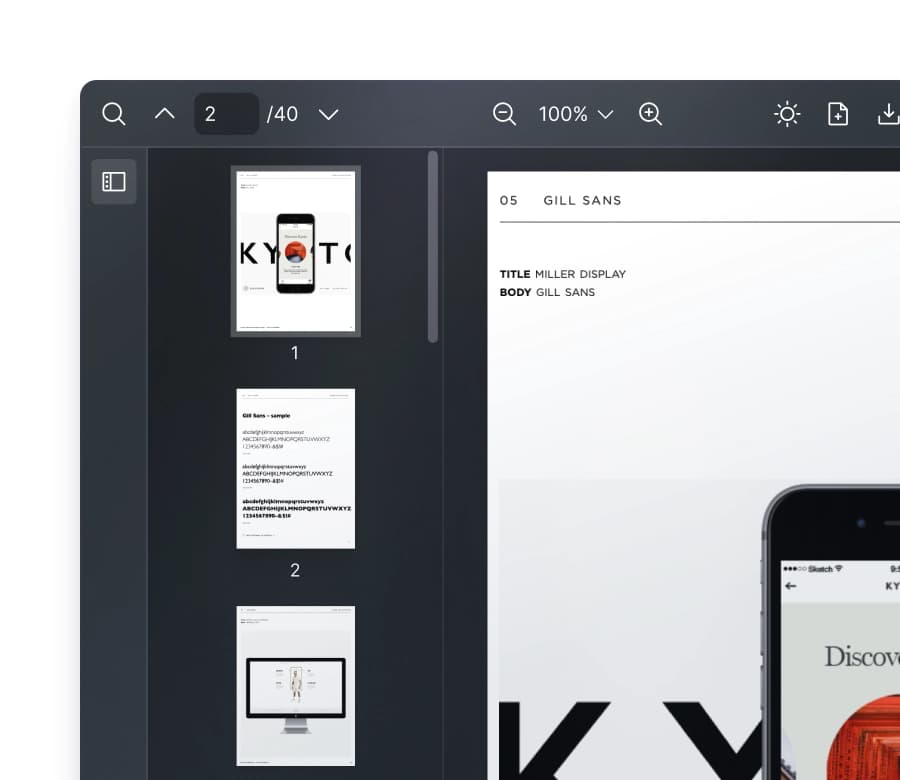
Thumbnails give a visual map of the document for navigating AI citations across pages. See where citations point and jump to any page quickly. For long documents like contracts or research papers, the React PDF Viewer component provides fluid citation-hopping.

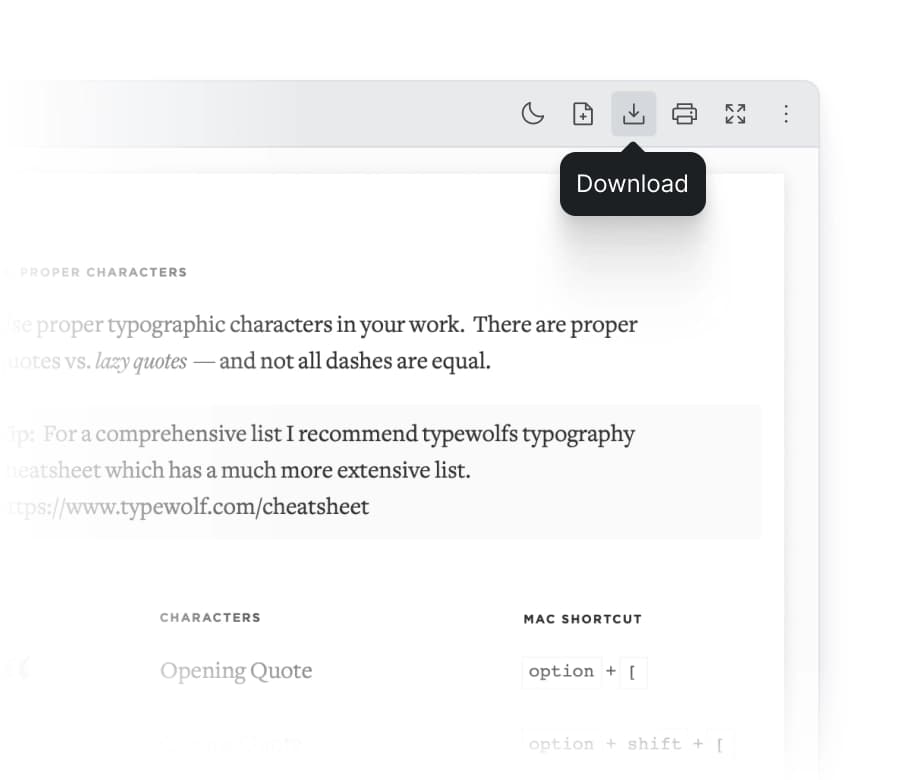
Download File
React PDF includes a built-in file download option, allowing users to save the full document with a single click. This provides convenience and access to offline copies. It can also support AI workflows that generate or modify PDFs and let users export results instantly.

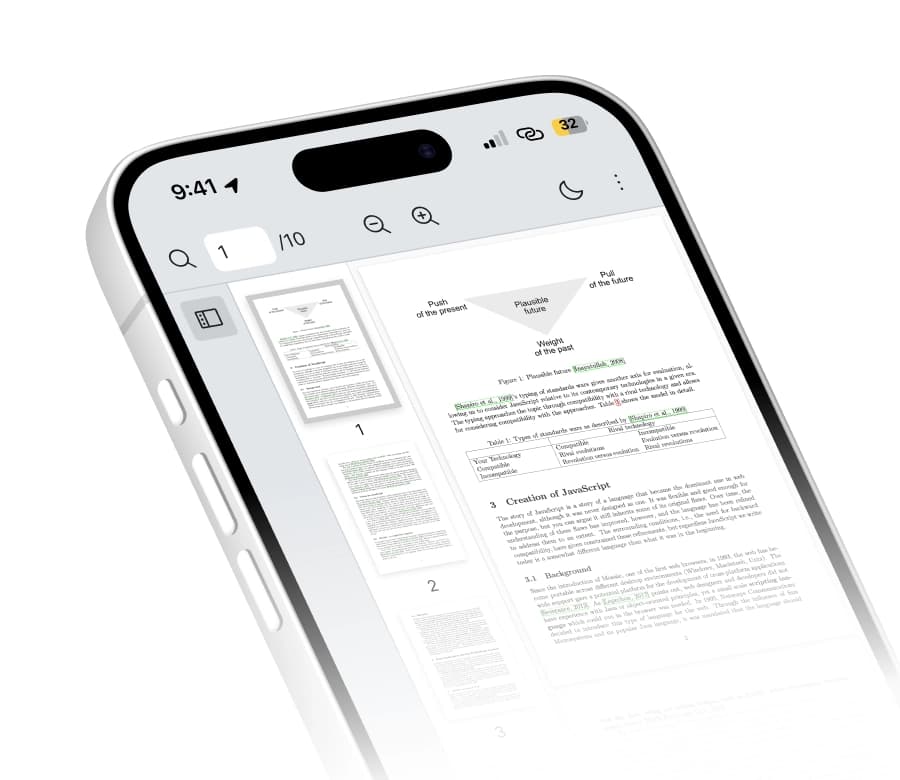
Mobile Responsive
AI document tools aren’t desktop-only. Healthcare workers check patient documents on mobile. Legal teams annotate contracts from anywhere. Your AI app works where your users work.
React PDF adapts to screen size, with touch controls for zoom, scroll, and text selection.

Theming and Dark Mode
Your AI product has a design system. Your PDF viewer should match it. Configure styles to integrate with your platform’s visual identity.
- CSS variables exposed for full customization
- Dark mode support for extended review sessions
- Modern UI that meets developer expectations
Configure styles to integrate with your platform's visual identity.
Ready to build?
Explore 20+ starter templates for React, Next.js, Remix, and more.

Why React PDF?
Built for AI Developers who Ship Fast
AI-Focused Code Examples
We provide patterns for the workflows AI developers build every day. Each example includes working code you can adapt for your application.


Optimized for Large Documents
Virtual scroll and page load queuing render only visible pages. Cite page 150, render page 150 and not pages 1-149 first. Abandoned loads cancel automatically during document switching. Support Linearized PDF.

React and Next.js Native
Built for React, React PDF uses native React patterns like Hooks, Context API, composable components. Next.js support for both App Router and Pages Router. React 19 ready.

Clear Documentation
Well-organized docs with usage guides, API references, and 20+ starter templates for React, Next.js, Remix, Gatsby, React Router, Vite, Webpack and more. Copy, paste, customize.
Trusted by AI teams in production
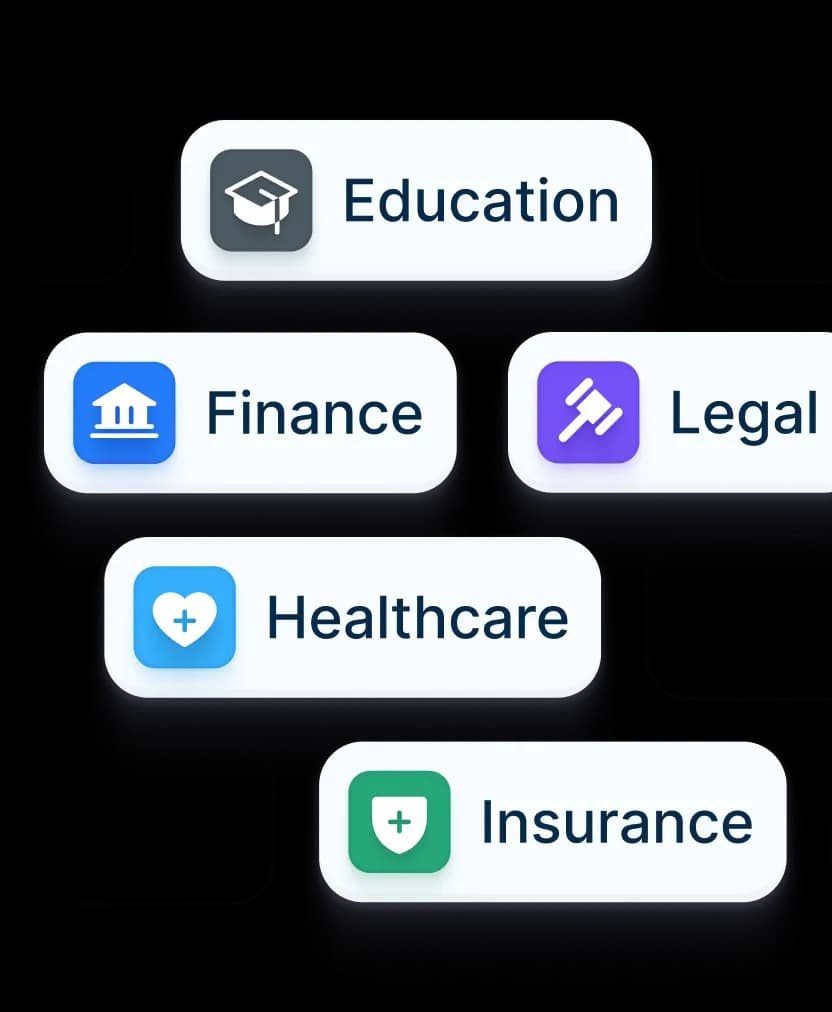
47% of React PDF customers build AI applications across education, healthcare, legal, finance, and insurance. Actively maintained with regular releases and dedicated support.
Ship your AI document app faster
Skip months of PDF viewer development. Production-ready performance.